
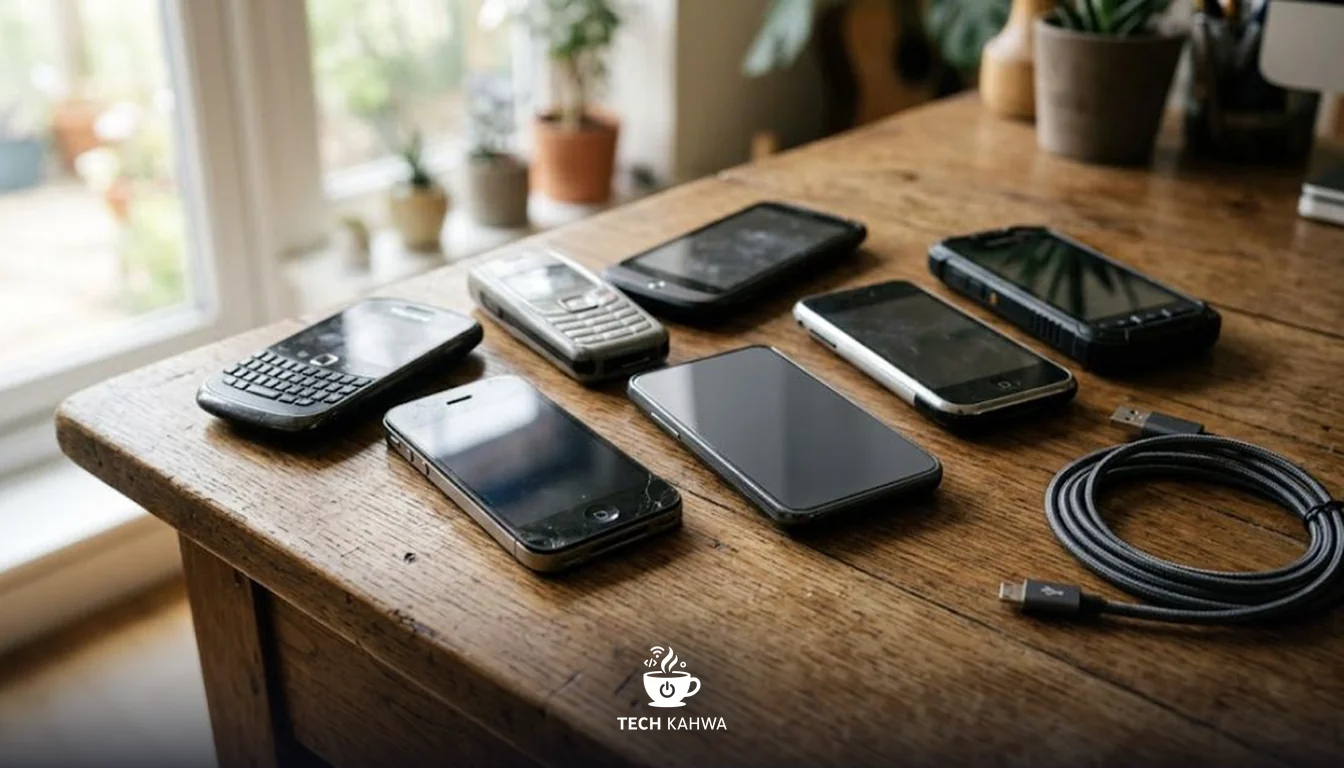
On 11 March Apple released iOS 15.8.7 and iOS 16.7.15, two updates for iPhones and iPads that are stuck on older versions of iOS. If there is an iPhone 6s, 7, 8 or X anywhere in your family, this is an update worth installing today, not next month.
What happened
Apple’s security releases page lists both updates with the same date, 11 March 2026. They carry fixes for four vulnerabilities that were already known: three in WebKit, the engine behind Safari and every web view on iOS, and one in the kernel, the core of the operating system.
The Hacker News links the release to Coruna, an exploit kit documented by Google’s Threat Intelligence Group. An exploit kit is a packaged set of attacks that someone can point at a target, and Coruna was built around iOS. I am not going to go into how its attacks are chained together. For users, the important part is simpler: these flaws are from 2023 and 2024, newer versions of iOS already had fixes, and Apple has now carried those fixes back to devices that were left on older releases.
To be clear about what this is not: Apple did not announce new zero-days here. This is a backport, meaning old repairs delivered to old software. That sounds less dramatic, but for the people holding those phones it is the difference between exposed and protected.
What caught my attention is how far back Apple went. The iPhone 6s came out a long time ago, and it is still getting a security fix in 2026. Apple does not do this often, and when it does, it usually means the company judged the risk to older devices to be real.
Who is affected
Apple split the fixes across two versions depending on the hardware.
iOS 16.7.15 is available for the iPhone 8, iPhone 8 Plus, iPhone X, the iPad 5th generation, the iPad Pro 9.7-inch and the iPad Pro 12.9-inch 1st generation.
iOS 15.8.7 covers the iPhone 6s (all models), the iPhone 7 (all models), the iPhone SE (1st generation), the iPad Air 2, the iPad mini (4th generation) and the iPod touch (7th generation).
If you use a newer iPhone that runs a current version of iOS, these two updates are not for you. Your job is simply to stay on the latest release your device offers.
By the numbers
| Item | Detail |
|---|---|
| Release date | 11 March 2026 |
| Updates released | iOS 15.8.7 and iOS 16.7.15 |
| Vulnerabilities fixed | 4 |
| WebKit flaws | 3 (CVE-2023-43010, CVE-2023-43000, CVE-2024-23222) |
| Kernel flaws | 1 (CVE-2023-41974) |
| Oldest iPhone covered | iPhone 6s |
| Oldest iPad covered | iPad Air 2 and iPad mini (4th generation) |
The Hacker News describes the four bugs this way: CVE-2023-43010 is a WebKit memory corruption issue, CVE-2023-43000 a WebKit use-after-free, CVE-2024-23222 a WebKit type confusion, and CVE-2023-41974 a use-after-free in the kernel. WebKit flaws matter because they are reached through web content, so the entry point can be as ordinary as opening a page.
What to do now
- Update the old device. Open Settings, then General, then Software Update, and install iOS 15.8.7 or iOS 16.7.15, whichever your device is offered.
- Update your current phone too. On a supported device, move to the latest iOS release it offers. The same settings path works.
- Check the phones you gave away. Older iPhones often end up with parents, children or relatives who never open the Software Update screen. A five-minute visit or phone call to walk them through it is worth more than any app.
- Retire devices that get no updates at all. If a phone or iPad is not on Apple’s lists above and no longer receives any updates, stop using it for banking, email or work accounts.
Why it matters
In our region, old iPhones rarely go in a drawer. They become the second phone for work, the children’s first device, or the phone a grandparent uses for WhatsApp and bank messages. Those are exactly the devices nobody thinks to update, and exactly the people least likely to spot trouble.
The flaws Apple fixed here sit in the web engine and the kernel, so the risk does not depend on installing a dodgy app. Browsing is enough to reach WebKit. That is why, in my view, this update deserves more attention than its version numbers suggest.
There is also a quieter lesson. Apple fixed these bugs on newer iOS a long time ago, yet older devices stayed open until now. Security support for a phone is not forever, even from a company that keeps devices going longer than most. When you buy, sell or hand down a phone, it is worth asking how long it will keep receiving fixes.
Sources
- Apple, Apple security releases, security updates list including iOS 15.8.7 and iOS 16.7.15 dated 11 March 2026, accessed 12 March 2026, https://support.apple.com/en-us/100100
- The Hacker News, Apple issues security updates for older devices, March 2026, https://thehackernews.com/2026/03/apple-issues-security-updates-for-older.html